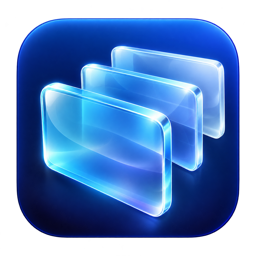
See where you are going.
Browse window previews in a spatial stack so you can recognise the window before switching.
 Skip to content
 MacKitStudiomacOS Tools & Software← All apps
Made for your Mac
Switch between windows with a visual Flip 3D stack. Browse previews, search for the window you need and keep Command–Tab within easy reach.
Developer ID signed · Apple notarized
7-day trial starts on first launch · Internet required to start · License for two Macs.
In action
See the workflow in action.
Features
Browse window previews in a spatial stack so you can recognise the window before switching.
Use the window search and its own shortcut to jump to the window you need.
Let cmdFLIP handle Command–Tab, or turn that option off to return the shortcut to macOS.
From setup to everyday use.
Allow window access and previews.
Enable Command–Tab or choose a shortcut.
Pick a preview or search for a window.
Requirements
Choose the edition that fits your Mac.
Yes. Disable the Command–Tab option in cmdFLIP. macOS then handles that shortcut again.
The seven-day trial starts automatically the first time you launch the app with an internet connection. After seven days, a license is required to continue. Restarting or reinstalling does not reset the trial. A purchased license activates the app on up to two Macs.
Your free 7-day trial starts automatically on first launch. An internet connection is required to start it. After the trial ends, buy a license to keep using the app on up to two Macs. Your key is delivered by email.